
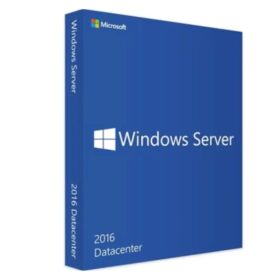
Microsoft Windows Server 2016 Datacenter – 32 core
Original price was: $125.00.$60.00Current price is: $60.00.
Adobe Lightroom Classic 2023 full version for MAC
Original price was: $35.00.$30.50Current price is: $30.50.



-
 14-Day returns

Frequently Bought Together
Microsoft SQL Server 2014 Standard License
Original price was: $120.00.$54.00Current price is: $54.00.
Microsoft SQL Server 2017 Standard – License (24 Core)
Original price was: $500.00.$71.10Current price is: $71.10.
Microsoft SQL Server 2016 Standard Edition Product Key (16 Core)
Original price was: $110.00.$67.50Current price is: $67.50.
Get Microsoft Windows Server 2016 Datacenter – 16 core

Ways to try Windows Server 2016:
In addition to downloading the Windows Server 2016 ISO, you can check out other ways to try the new features:
- TechNet Virtual Labs: Skip the setup work and log into our free TechNet Virtual Labs for a real-world environment along with step-by-step guidance to help you try the new features.
- Run it in Azure: Azure provides a great way to test Windows Server 2016 with pre-built images.
- Server Core: This is the recommended installation option. It’s a smaller installation that includes the core components of Windows Server and supports all server roles but does not include a local GUI. It is used for “headless” deployments which are managed remotely via PowerShell or other server management tools.
- Server with Desktop Experience: This is the complete installation and includes a full graphical user interface (GUI) for customers who prefer this option.
Before you begin your evaluation, be sure to check out What’s new in Windows Server 2016.
When you complete your evaluation, you can convert your evaluation versions to retail. Also, check out our TechNet documentation to learn how to upgrade or migrate your other existing servers to Windows Server 2016.
Languages
Chinese (Simplified), English, French, German, Italian, Japanese, Russian, and Spanish.
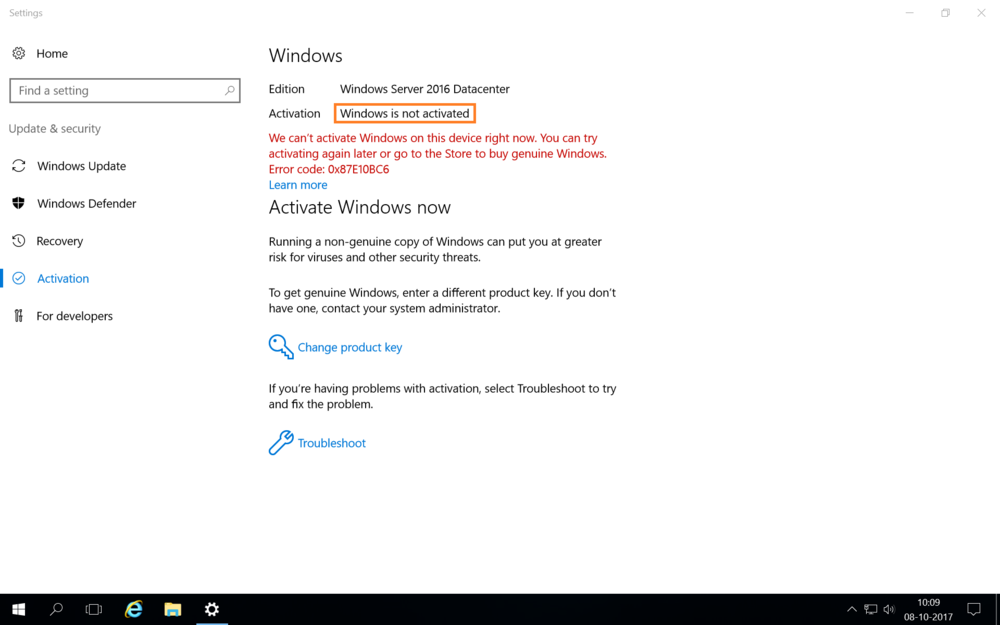
After windows server installation you have to go to the activation center &
Then you have to enter the license key by clicking on change product key

Reviews
Clear filtersThere are no reviews yet.